
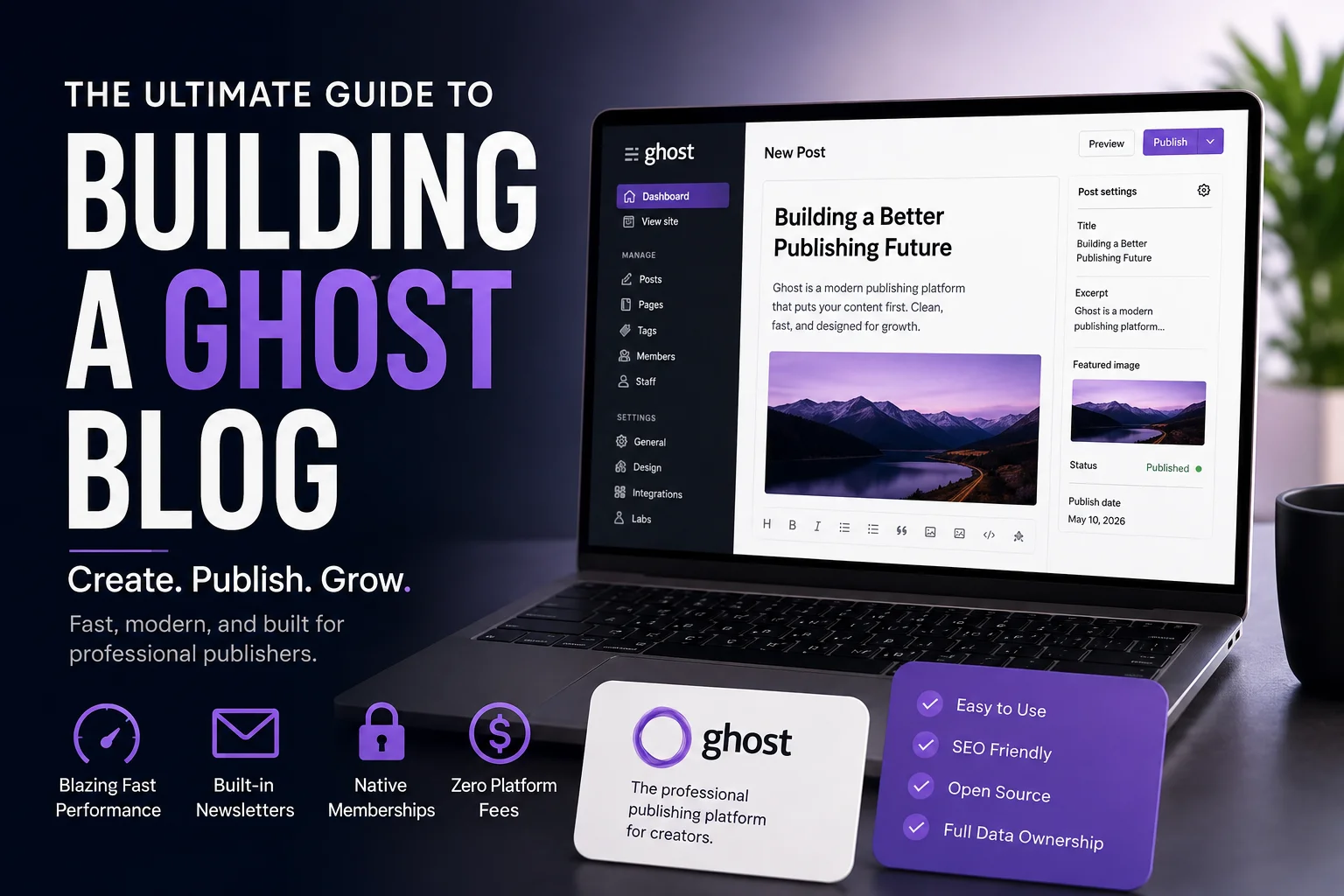
For over a decade, digital writers, independent journalists, and niche publishers felt boxed in by legacy systems. If you wanted a streamlined writing environment without wrestling with endless plugin updates, security vulnerabilities, or sluggish loading times, your choices were severely limited.
Having managed complex WordPress builds with 40+ active plugins that constantly broke after database updates, switching to a dedicated ghost blog felt like moving from a cluttered garage into a pristine, high-performance office.
Designed specifically for modern creators, Ghost has evolved into a premier open-source tool. Whether you are launching a personal thought leadership hub, an online magazine, or a paid newsletter business, running your publication on Ghost offers a fast, reliable alternative to traditional site builders.
In this comprehensive guide, we will explore what makes a ghost blog unique, share real-world publishing insights, compare it against legacy platforms, and lay out the exact steps to build, optimize, and scale your publication.
What Is a Ghost Blog and Why Is It Gaining Traction?
At its core, a ghost blog is a publishing site powered by Ghost—a lightweight, open-source Ghost CMS written in JavaScript (Node.js). Unlike legacy options that rely heavily on bloated architectures for basic functionality, this platform focuses purely on writing, editing, and distributing content.
The Ghost platform gained massive traction because it strips away unnecessary technical debt. Authors do not need to worry about broken dependencies or server errors crashing their pages during high-traffic spikes. Instead, you get a ready-to-use system fine-tuned for speed, search engine optimization (SEO), and audience monetization right out of the box.

Key Features of Ghost
- Decoupled Architecture: Runs smoothly as a standard server-rendered app or as a headless system paired with modern frameworks like Next.js or Remix.
- Native Memberships: Built-in membership tools let you collect subscriber emails, manage free readers, and gate premium articles without buying third-party membership plugins like MemberPress.
- Distraction-Free Editor: The Koenig editor gives writers a clean, block-based workspace that stays out of the way, supporting rich media, markdown formatting, and custom HTML/code blocks effortlessly.
Strategic Advantages: Insights From Real-World Publishing
Choosing the right content publishing platform is a critical decision for long-term growth. From hands-on experience running niche publications, here is why creators prefer this system over older frameworks:
1. Exceptional Page Speed and Core Web Vitals
Site performance directly impacts how high your pages rank on search engines and how long visitors stick around. In a real-world test comparing a fresh WordPress setup (even with caching enabled) against a default installation on Ghost, the Ghost website achieved an effortless 99/100 performance score on Google PageSpeed Insights right out of the box.
Fast load times improve your Core Web Vitals, lower bounce rates across mobile devices, and require zero complex caching tweaks. For detailed technical guidelines on web performance factors, you can explore official documentation provided by Google Search Central.
2. Built-In Email Newsletter Capabilities
One of the biggest friction points for online publishers is managing email lists across disconnected apps. With Ghost, native email delivery is fully integrated into your publishing flow.
When you hit publish, the platform converts your article into a beautifully formatted email and delivers it straight to your subscribers. You save hundreds of dollars annually by avoiding secondary email marketing tools like Mailchimp or ConvertKit.
3. Native Monetization with Zero Platform Fees
If your goal is to generate recurring income from your work, monetization shouldn’t require complex plugins or hefty platform cuts. Ghost connects directly with Stripe, allowing you to create monthly or annual subscription plans seamlessly.
Real-World Math: Platforms like Substack take a steep 10% cut of your total subscription revenue. On a publication making $5,000/month, you give up $500 monthly. With Ghost, you pay $0 in platform revenue cuts—you only pay standard Stripe processing fees.
Platform Breakdown: Ghost vs. WordPress vs. Substack
To choose the right engine for your business, it helps to see how this tool measures up against top competitors in real scenarios:
| Capability / Feature | Ghost | WordPress | Substack |
| Primary Focus | Newsletters & membership media | Flexible site building & e-commerce | Simple newsletter publishing |
| Platform Revenue Fees | 0% (Only standard Stripe fees) | Variable (depends on plugins used) | 10% cut of subscription revenue |
| Customization Level | High (Custom Handlebars templates) | Infinite (Plugins & themes ecosystem) | Very Low (Fixed template layout) |
| Ease of Maintenance | Extremely Low | High (Frequent plugin/core updates) | Zero maintenance (Fully hosted) |
| Data Ownership | 100% full CSV/JSON export control | 100% full export control | Portable subscriber list |
While WordPress remains superior for heavy e-commerce stores or intricate directory sites, and Substack serves casual writers who want zero configuration, Ghost strikes the perfect balance for professional publishers who want complete design ownership combined with built-in business tools.

Detailed Roadmap to Launching Your Site
Setting up your Ghost publishing platform is straightforward when broken down systematically. Follow this step-by-step framework to launch:
Phase 1: Environment Setup
├── Select Hosting (Ghost(Pro) Cloud vs Self-Hosted VPS)
└── Link Custom Domain & Free SSL Certificate
Phase 2: Design & Configuration
├── Install Clean Handlebars Theme
└── Connect Stripe Account for Payments
Phase 3: Content & SEO Strategy
├── Set Up Metadata & Clean Permalinks
└── Execute Technical SEO & Link Audits
Phase 1: Select Your Hosting Strategy
You have two main operational paths:
- Ghost(Pro): The official managed cloud service. It handles security updates, daily backups, global CDN caching, and server management automatically so you can focus entirely on writing.
- Self-Hosting (Developer Route): Deploying the open-source software on your own virtual private server (VPS) using DigitalOcean, Linode, or AWS. From our experience, running a single ghost-cli instance on a $6/month DigitalOcean droplet can easily handle tens of thousands of monthly page views if configured properly.
Phase 2: Design and Brand Customization
Once installed, select a clean layout optimized for high legibility.
- Pick a minimalist design that puts typography front and center.
- Ensure strong contrast ratios and legible font sizes for mobile screens.
- Position your call-to-action (CTA) subscription boxes prominently above the fold to maximize newsletter conversion rates.
Phase 3: Content Creation Workflow
Focus on producing in-depth, original posts that address specific user search queries. Structure your copy logically using distinct headings, concise paragraphs, callout boxes, and custom comparative tables.
Advanced Search Engine Optimization (SEO) Strategy
While the publishing CMS automates technical tasks like dynamic sitemap generation and RSS feeds out of the box, executing core SEO best practices is essential for driving organic growth.

1. Optimize Meta Tags and Permalinks
Ghost provides custom metadata fields right inside the post editor sidebar. Always write specific search titles under 60 characters and meta descriptions under 160 characters. Ensure your URLs are short and keyword-focused (e.g., [domain.com/ghost-cms-guide](https://domain.com/ghost-cms-guide)) rather than carrying default dates or complex URL parameters.
2. Monitor Search Performance & Off-Page Signals
Publishing great content is only half the battle; tracking how search engines index and reward your content is equally critical for long-term growth. During site audits, we frequently notice publishers overlooking external authority signals.
To evaluate your publication’s standing in your niche, it is essential to show backlinks in Google and regularly audit external sites linking to your articles. Keeping a pulse on your backlink profile helps ensure your content gains ranking momentum over competing sites. For complementary keyword research frameworks, consult industry guides on the Ahrefs Blog.
3. Build a Structured Internal Linking Network
As your archive grows, interlink relevant posts naturally within the body copy. Internal links pass link authority throughout your domain, help search engine bots crawl new posts efficiently, and lower bounce rates by guiding readers deeper into your content library.
Frequently Asked Questions (FAQs)
Is this platform suitable for complete non-tech beginners?
Yes. If you choose Ghost(Pro), hosting and technical setup are handled for you. The clean, clutter-free dashboard is far simpler to navigate than WordPress, allowing non-technical writers to publish content effortlessly.
How do membership payments work in practice?
Ghost uses direct API integration with Stripe. You connect your Stripe account in a few clicks, define your membership tiers (e.g., $5/month or $50/year), and the system automatically manages subscriber access, paywalls, and recurring credit card billing.
Can I migrate an existing WordPress blog to Ghost?
Yes. Ghost provides an official WordPress export plugin. It packages your posts, pages, images, tags, and author profiles into a single file that imports straight into your new site within minutes.
Is the core Ghost software completely free?
Yes. Ghost is 100% open-source software published under the MIT license. You can download and run it on your own server for free. You only pay if you opt for managed hosting like Ghost(Pro) or pay for a third-party server VPS.
Final Thoughts
Making the decision to launch your site on Ghost is one of the most practical investments you can make for an independent publishing business. By combining rapid page speeds, native newsletter delivery, zero-fee monetization, and an unuttered editor, it removes technical headaches so you can focus entirely on creating valuable content for your audience.
By implementing strong SEO practices, auditing your external link equity, and writing with genuine authority, your ghost blog can steadily build search rankings and foster an engaged reader community. Choose your preferred hosting setup, customize your layout, and start sharing your expertise with the world today.